
Microsoft has released optional cumulative update previews for Windows 11, Windows 10 version 1809, and Windows Server 2022, with fixes for Direct3D issues impacting client and server systems.
The updates are part of Microsoft’s scheduled April 2022 monthly “C” updates, allowing Windows users to test the fixes released on June 15th as part of next month’s Patch Tuesday.
Unlike regular Patch Tuesday Windows updates, scheduled non-security preview updates are optional. They are issued to test bug fixes and performance improvements before the general release, and they don’t provide security updates.
Cumulative updates released today include:
To install the updates, you have to go to Settings > Windows Update and manually ‘Check for updates.’ Windows will not install them until you click the ‘Download now’ button because they’re optional updates.
You can also manually download and install these cumulative update previews from the Microsoft Update Catalog.
“The preview update for other supported versions of Windows 10 will be available in the near term,” Microsoft said.

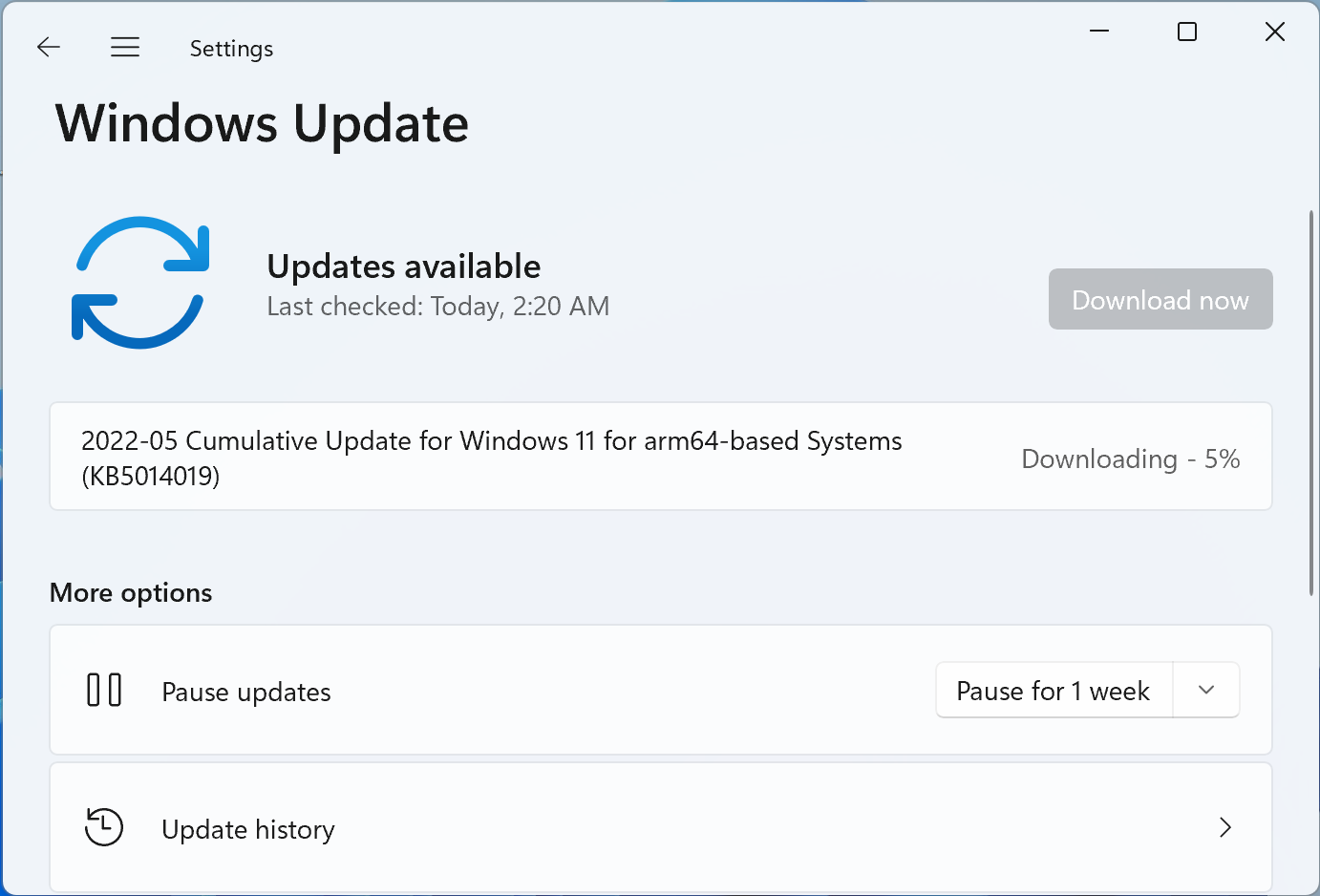
KB5014019 fixes Direct3D app crashes
Today’s Windows optional updates come with fixes for issues that might cause some applications to crash or trigger various problems.
As Microsoft explained, KB5014019 “addresses an issue that might affect some apps that use d3d9.dll with certain graphics cards and might cause those apps to close unexpectedly.”
The same cumulative update also fixes a known issue affecting specific GPUs and could “cause apps to close unexpectedly or cause intermittent issues that affect some apps that use Direct3D 9.”
This update also fixes an issue that might cause file copying to be slower and another one preventing BitLocker from encrypting when using the silent encryption option.
KB5014019 addresses a known issue impacting the Trusted Platform Module (TPM) driver that might increase the system’s startup time.
What’s new in today’s Windows updates
After installing the KB5014019 non-security cumulative update preview, Windows 11 will have the build number changed to 22000.708.
The Windows 11 update preview includes dozens of quality improvements and fixes, including:
- Addresses an issue that causes blurry app icons in Search results when the display’s dots per inch (dpi) scaling is greater than 100%.
- New! Windows spotlight on the desktop brings the world to your desktop with new background pictures. With this feature, new pictures will automatically appear as your desktop background. This feature already exists for the lock screen. To turn on this feature, go to Settings > Personalization > Background > Personalize your background. Choose Windows spotlight.
- Addresses an issue that fails to maintain the display brightness after changing the display mode.