
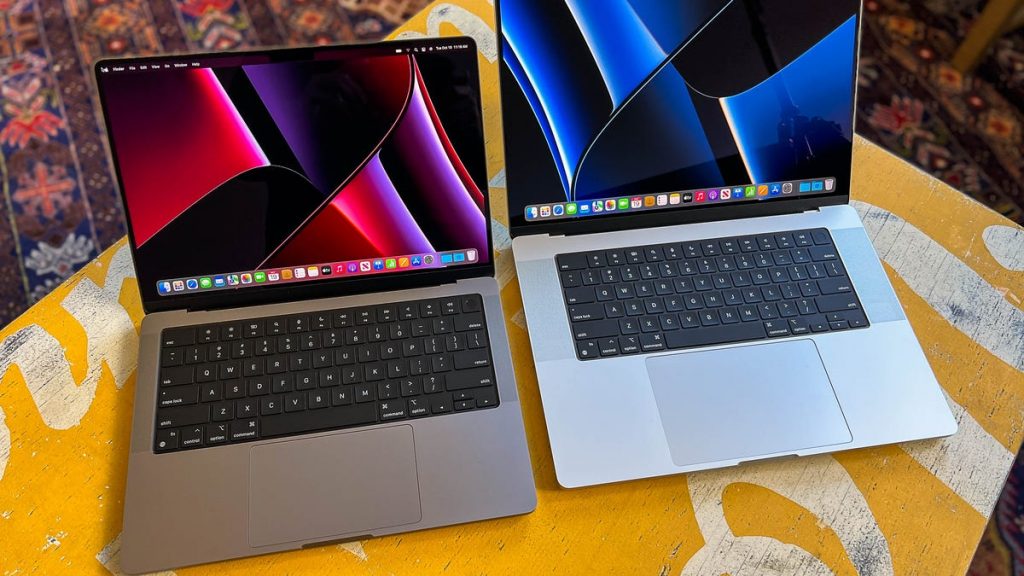
Pro users of M1 Macs have reported disappointing transfer speeds with external SSDs, and tests appear to show that most M1 Mac Thunderbolt ports don’t support USB 3.1 Gen 2 – which means they don’t offer the maximum 10Gb/s transfer speeds that would be expected from Thunderbolt 4.
The tests were conducted on a 2021 16-inch MacBook Pro M1 Max, and a 2022 Mac Studio M1 Max
Background
We’ve discussed many times the mess and confusion caused by different USB-C standards, devices, and cables.
There is also a significant difference between theoretical and actual maximum speeds.
But tests suggest that most M1 Macs don’t support the USB 3.1 Gen 2 standard, making Thunderbolt transfers slower than they should be, in both theory and practice.
Eclectic Light summarizes the bottom line of the current speeds offered by different standards.
- USB 3.0 onwards supports SuperSpeed USB at 5 Gb/s.
- USB 3.1 Gen 2 adds SuperSpeed+ at 10 Gb/s.
- USB 3.2 adds two-lane SuperSpeed+ at 10 and 20 Gb/s.
M1 Mac Thunderbolt 4 ports tested
Eclectic Light’s Howard Oakley carried out a series of tests with two M1 Macs:
- Apple Mac Studio with M1 Max, 32 GB memory, 2 TB internal SSD, connected to an Apple Studio Display;
- Apple MacBook Pro 16-inch, 2021 with M1 Pro, 32 GB memory, 2 TB internal SSD, using its internal display.
There are two ways of establishing the speed capabilities of a data connection. The first is to see what theoretical speeds are reported by the machine. Oakley first tested this with Intel Macs, to verify that his test SSDs and cables were definitely compatible.
Each was connected to an Intel Mac (including an iMac Pro) and it was verified that they established connection at SuperSpeed+ 10 Gb/s with those Macs.
Cables used included a certified Thunderbolt 4 model, and the USB-C (data) cables provided with the cases. Again, each was verified by establishing SuperSpeed+ 10 Gb/s connections to an Intel Mac.
Connection speeds were read from the SSD’s entry in the USB data given in System Information.
Second, measuring real-life speeds.
Transfer rates were measured using my free app Stibium, version 1.0 (55), which wrote a total of 160 files of sizes from 2 MB to 2 GB in size to a folder on the SSD being tested, and read those same files back (Series Write and Series Read Tests as detailed in Stibium’s Help reference). The procedure detailed as the ‘Gold Standard’ test was followed.
Oakley again compared Intel and M1 Macs, finding that real-life speeds were lower with the newer machines.
M1 Mac conclusions
The piece details the actual speeds achieved, suggesting the following conclusions. Key among them is that the fastest storage devices perform at about half their expected speeds; the limitation appears to be present in all M1 Macs; using a Thunderbolt 4 cable to connect a USB-C device to the front USB-C ports on a Mac Studio Max results in speeds below 10% of that expected; even the latest Mac Studio models don’t support USB 3.1 Gen 2.
- Currently, and as far as I’m aware since their release in November 2020, no Thunderbolt port in any M1 model appears to fully support 10 Gb/s SuperSpeed+ in USB 3.1 Gen 2, at least for SSDs.
- The only ports in M1 Macs that currently appear to support USB 3.1 Gen 2 fully are those on the front of the Mac Studio Max.
- 10 Gb/s SuperSpeed+ in USB 3.2 devices does appear to be supported by the Thunderbolt ports of M1 Macs.
- For SATA/USB-C storage, the impact on performance is limited, reducing transfer speeds from an expected 500 MB/s to 400 MB/s. For external storage used to store Time Machine backups, this isn’t likely to have any significant effect, as backup I/O is throttled anyway.
- Greatest impact is likely with external storage capable of transfer speeds approaching 10 Gb/s, such as RAID arrays and NVMe SSDs with USB 3.1 Gen 2 rather than Thunderbolt 3. In those, expected transfer rates of 900 MB/s are likely to be reduced to less that 500 MB/s, doubling the time required to read or write files.
- Users with USB 3.1 Gen 2 devices should connect them to a Thunderbolt 3 Dock, or the USB ports on a Studio Display, where they should perform better.
- This shortcoming appears to have been present in all M1 Macs for nearly 18 months. If it’s a bug in the firmware of the Fabric core(s) responsible, it should have been fixed over a year ago. If it’s a fault in M1 series chips, then Apple should have informed users and qualified its claim for the compatibility of these ports.
- Apple needs to investigate why using a Thunderbolt 4 cable to connect a USB-C device to the front USB-C ports on a Mac Studio Max results in unusably poor performance, below 10% of the transfer rates expected.
- Lack of support for 10 Gb/s SuperSpeed+ in USB 3.1 Gen 2 is arguably the most serious failing in what has otherwise been a very successful transition.
We’ve reached out to Apple for comment, and will update with any response.