The source code for this bot will be stored in my github repository
About the bot
First we will create a basic discord bot that will greet the message sender, and then we will create a Minecraft Bot, that will enable us to do the following:
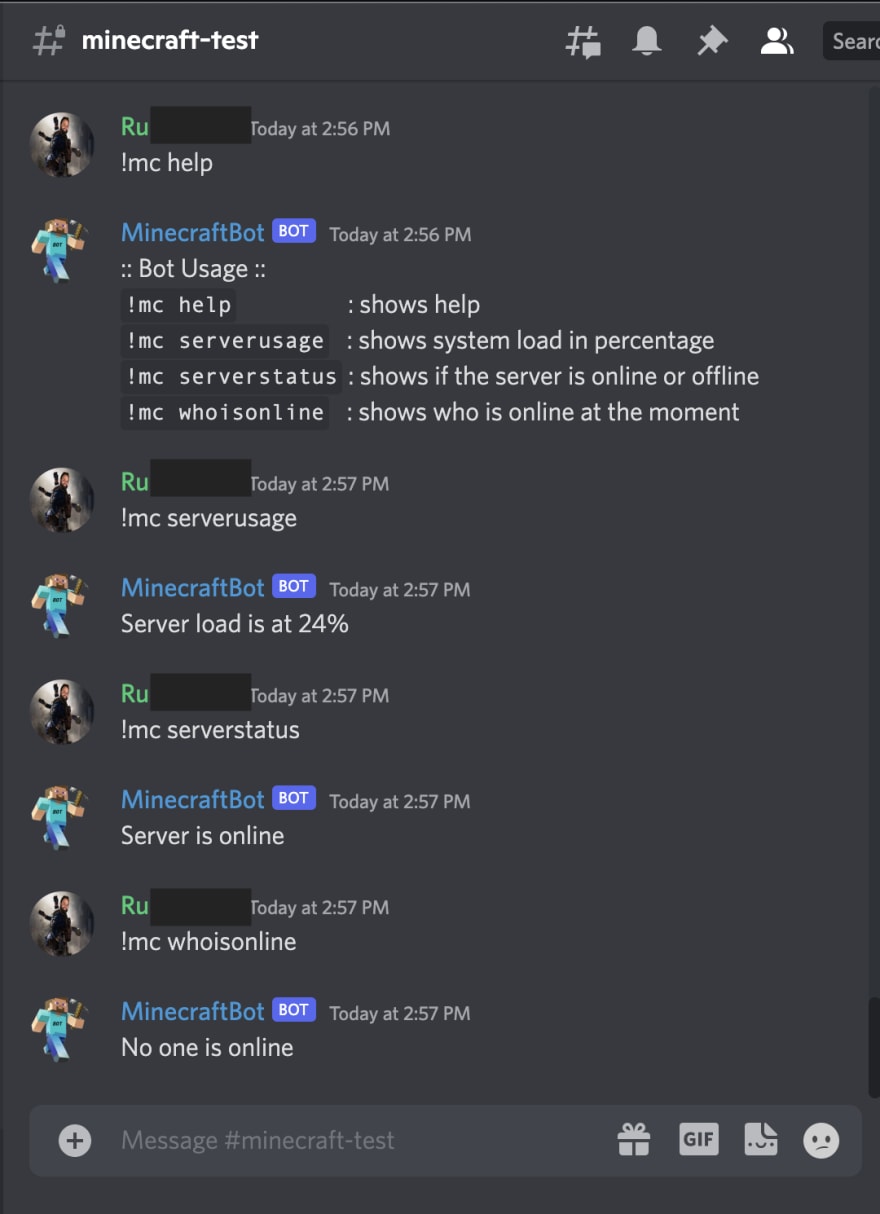
:: Bot Usage ::
!mc help : shows help
!mc serverusage : shows system load in percentage
!mc serverstatus : shows if the server is online or offline
!mc whoisonline : shows who is online at the moment
Let’s get into it.
Dependencies
Create a python virtual environment and install the dependent packages:
$ python3 -m virtualenv .venv
$ source .venv/bin/activate
$ pip install discord
$ pip install python-dotenv
Create the Discord Application
We first need to create the application on discord and retrieve a token that our python app will require.
Create a application on discord:
You should see:
Click “New Application” and provide it a name:


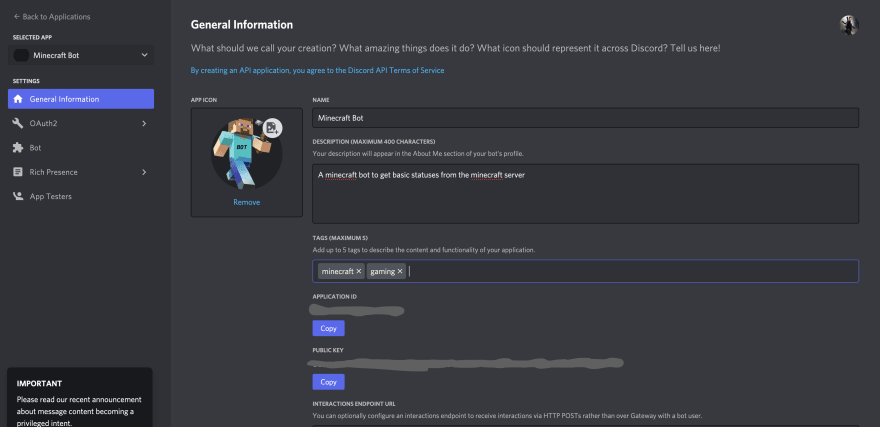
Once you create the application you will get a screen to upload a logo, provide a description and most importantly get your application id as well as your public key:
Then select the Bot section:
Then select “Add Bot”:
Select OAuth2 and select the “bot” scope:
At the bottom of the page it will provide you with a URL that looks something like:
https://discord.com/api/oauth2/authorize?client_id=xxxxxxxxxxx&permissions=0&scope=bot
Paste the link in your browser and authorize the bot to your server of choice:
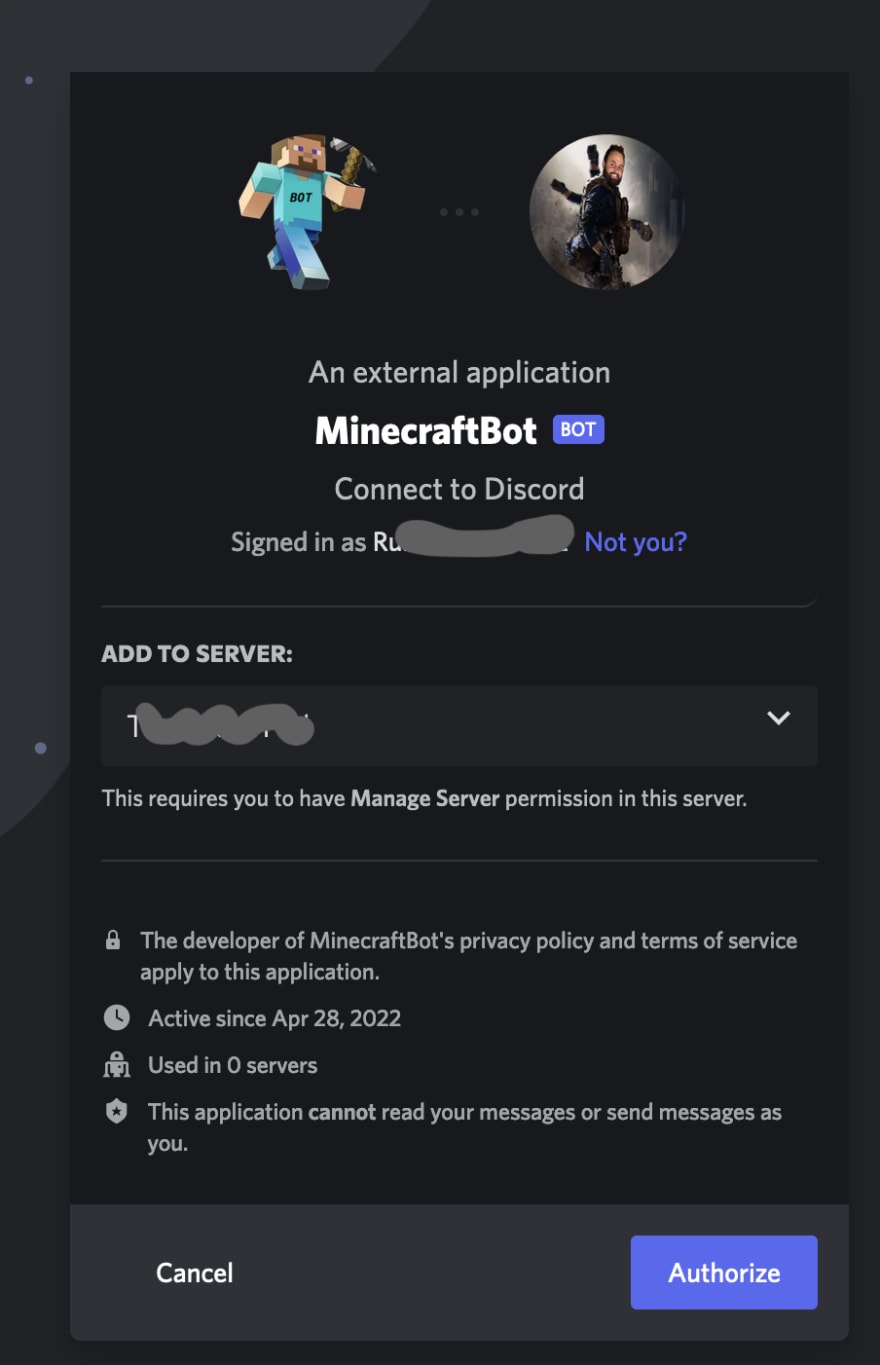
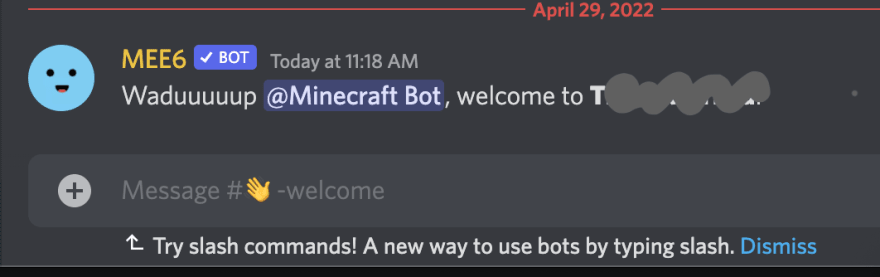
Then click authorize, and you should see your bot appearing on Discord:
Developing the Discord Bot
Now we will be building our python discord bot, head back to the “Bot” section and select “Reset Token”, then copy and store the token value to a file .env:
DISCORD_TOKEN=xxxxxxxxx
So in our current working directory, we should have a file .env with the following content:
$ cat .env
DISCORD_TOKEN=your-unique-token-value-will-be-here
For this demonstration, I will create a private channel in discord called minecraft-test and add the bot MinecraftBot to the channel (this is only for testing, after testing you can add your bot to your other channels for other people to use):
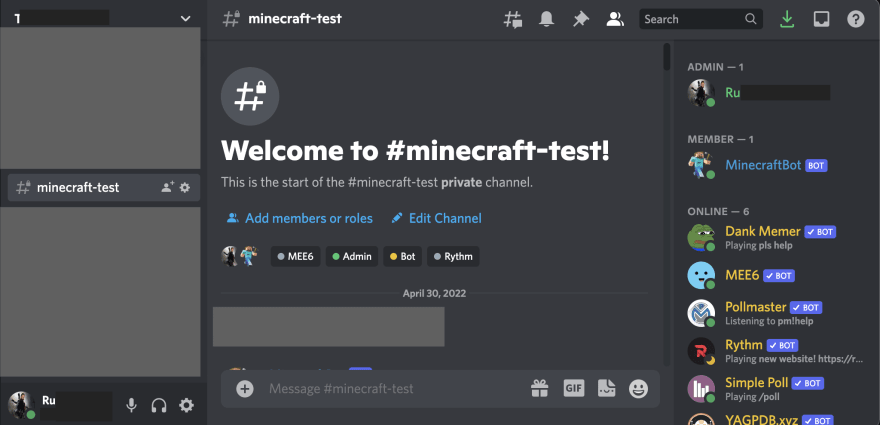
For our first test, a basic bot, where we would like to type hello and the bot should greet us by our username, in our mc_discord_bot.py file we will have:
import discord
import os
from dotenv import load_dotenv

BOT_NAME = "MinecraftBot"

load_dotenv()
DISCORD_TOKEN = os.getenv("DISCORD_TOKEN")

bot = discord.Client()

@bot.event
async def on_ready():
    print(f'{bot.user} has logged in.')

@bot.event
async def on_message(message):
    if message.author == bot.user:
        return
    if message.content == 'hello':
        await message.channel.send(f'Hey {message.author}')
    if message.content == 'goodbye':
        await message.channel.send(f'Goodbye {message.author}')

bot.run(DISCORD_TOKEN)
Then run the bot:
$ python mc_discord_bot.py
MinecraftBot has logged in.
And when we type hello and goodbye you can see our bot responds on those values:
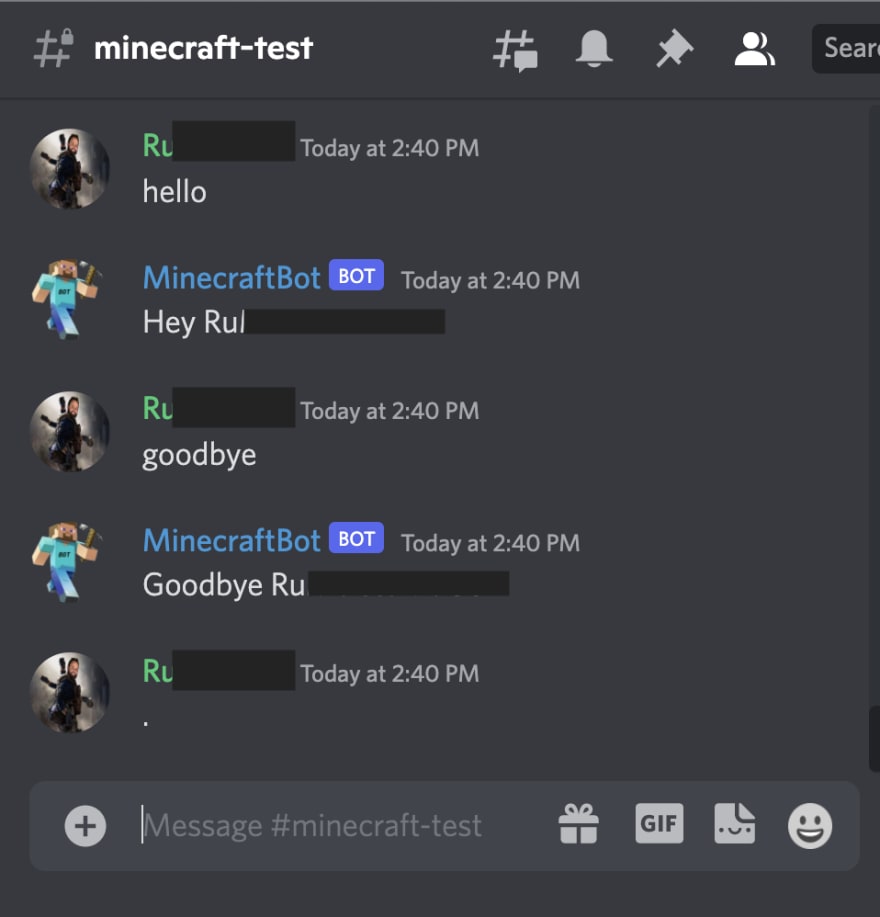
Now that we tested our bot, we can clear the mc_discord_bot.py and write our minecraft bot, the requirements of this bot is simple, but we would like the following:
- use the command
!mcto trigger our bot and subcommands for what we want - able to see who is playing minecraft on our server at the moment
- able to get the status if the minecraft server is online
- able to get the server load percentage (as the bot runs on the minecraft server)
This is our complete mc_discord_bot.py:
import discord
from discord.ext import commands
import requests
import os
from dotenv import load_dotenv
import random
import multiprocessing

# Variables
BOT_NAME = "MinecraftBot"
load_dotenv()
DISCORD_TOKEN = os.getenv("DISCORD_TOKEN")

minecraft_server_url = "lightmc.fun" # this is just an example, and you should use your own minecraft server

bot_help_message = """
:: Bot Usage ::
`!mc help` : shows help
`!mc serverusage` : shows system load in percentage
`!mc serverstatus` : shows if the server is online or offline
`!mc whoisonline` : shows who is online at the moment
"""

available_commands = ['help', 'serverusage', 'serverstatus', 'whoisonline']

# Set the bot command prefix
bot = commands.Bot(command_prefix="!")

# Executes when the bot is ready
@bot.event
async def on_ready():
    print(f'{bot.user} succesfully logged in!')

# Executes whenever there is an incoming message event
@bot.event
async def on_message(message):
    print(f'Guild: {message.guild.name}, User: {message.author}, Message: {message.content}')
    if message.author == bot.user:
        return

    if message.content == '!mc':
        await message.channel.send(bot_help_message)

    if 'whosonline' in message.content:
        print(f'{message.author} used {message.content}')
    await bot.process_commands(message)

# Executes when the command mc is used and we trigger specific functions
# when specific arguments are caught in our if statements
@bot.command()
async def mc(ctx, arg):
    if arg == 'help':
        await ctx.send(bot_help_message)

    if arg == 'serverusage':
        cpu_count = multiprocessing.cpu_count()
        one, five, fifteen = os.getloadavg()
        load_percentage = int(five / cpu_count * 100)
        await ctx.send(f'Server load is at {load_percentage}%')

    if arg == 'serverstatus':
        response = requests.get(f'https://api.mcsrvstat.us/2/{minecraft_server_url}').json()
        server_status = response['online']
        if server_status == True:
            server_status = 'online'
        await ctx.send(f'Server is {server_status}')

    if arg == 'whoisonline':
        response = requests.get('https://api.mcsrvstat.us/2/{minecraft_server_url}').json()
        players_status = response['players']
        if players_status['online'] == 0:
            players_online_message = 'No one is online'
        if players_status['online'] == 1:
            players_online_username = players_status['list'][0]
            players_online_message = f'1 player is online: {players_online_username}'
        if players_status['online'] > 1:
            po = players_status['online']
            players_online_usernames = players_status['list']
            joined_usernames = ", ".join(players_online_usernames)
            players_online_message = f'{po} players are online: {joined_usernames}'
        await ctx.send(f'{players_online_message}')

bot.run(DISCORD_TOKEN)
And now we can start our bot:
$ python mc_discord_bot.py
And we can run our help command:
!mc help
Which will prompt our help message, and then test out the others: